
WEBPANO – CUSTOM DIGITAL TWIN SERVICE FOR SHARING AND VIEWING SCAN DATA AND 3D MODELS
WebPano is web-based service for viewing 360-degree panoramic images and scan data, which allows the user to take measurements and pick 3D coordinate values. The additional unique feature is viewing 3d models along with it’s attributes. WebPano allows for three view modes, panoramic (where scan data is available), 3d orbit and 3d walk (were 3d models and Panos hotspots are available). WebPano is designed to be used as a communication tool between managers and engineers, who can add their comments or highlight particular areas of interest.
The whole team can view, check and discuss the site situation from their office desk via any web browser without a need of installing any additional plugins. It allows even inexperienced users to take advantage of the 3D laser scanning technology and limits unnecessary site visits. WepPano scan images can be generated in intensity colors (black&white), or in the real color scale if scanned using the RGB option. This is an essential tool and aid in the CAD to cloud conversion.
REGISTER HERE TO GET ACCESS TO DEMO SITES:
WebPano for plant maintenance:
Knowledge and documentation hub
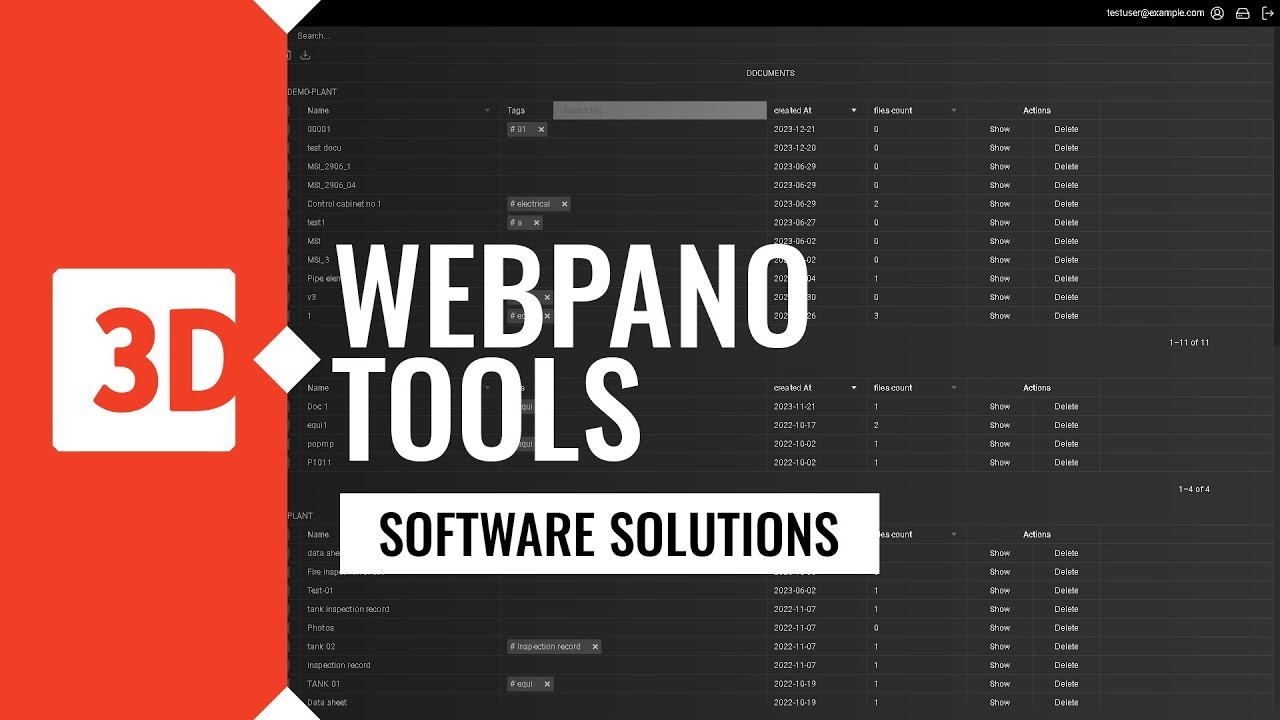
Organizations can either upload or link documents related to a virtual copy of an asset like specific equipment [pump or vessel]. This document could be a datasheet or maintenance log. Having it linked in Webpano interface simplifies access for new employees.
3D training and certification platform
The technical staff undergoes technical training using a virtual factory view, including hard-to-reach and hazardous areas. This training involves verifying the plant’s topography and understanding procedures, especially in emergency situations.
Procurement support
Procurement engineers can easily digitally share the area for modernization with project and execution companies, thereby reducing the involvement of their own employees. As a result, project and execution companies can more precisely determine costs and effectively manage modernization.
Risk analysis for business continuity planning
The management has a supportive tool for more efficient discussions with the staff about potential risks that pose the greatest threats to operational continuity. Engineers can visually indicate areas and objects that require special care and procedures.
Asset inventory tool
Maintenance engineers can inventory facility devices and objects by easily linking them to their geolocation and documentation stored in other database systems.
As a result, they build a knowledge base that is easily accessible for new employees, allowing them to quickly adapt to new responsibilities, while also making it easier for engineers to manage inspections and maintenance.
Internal audits and checks
Inspection of installations, equipment checks, and internal audits are conducted with automatic tagging of the location where they were performed. Linking geolocation with radio frequency identification (RFID) of installation elements allows for easier and faster marking of these elements as verified, along with providing information about any necessary additional actions.
Thanks to this process, engineers can efficiently monitor the condition of equipment and take appropriate actions as needed. The automatic tagging of the inspection location, along with geolocation and documentation linkage, facilitates infrastructure management and maintenance.
WebPano for plant process design
Point Cloud Publishing Platform
You can publish point cloud data that has been collected at various stages of investment projects and comes from different sources. This allows you to build a shared platform for reviewing and sharing this data online, with appropriate security level.
Clash verification platform
Clashes detected during the execution phase generate additional high costs for necessary modifications. Ordering a service clast detection you receive a comprehensive report of potential geometric collisions, which we verify for you by comparing the placement of designed objects on the existing model of the current installation, which are placed in WebPano browser.
3D model integration
The necessity of using multiple different programs for reviewing and editing documentation related to facility infrastructure generates high costs for overseeing electronic documentation. Sharing panoramas, 3D models, and point clouds within a single browser eliminates the need to purchase and install additional software for viewing 3D models.
Cooperation tool for project stakeholders
Project participants easily communicate by tagging and commenting on selected objects and installation components, adding notes, comments, and documents. These are then shared online through a browser. This helps avoid misunderstandings and communication issues. By streamlining communication and centralizing documentation, you can enhance collaboration and efficiency within your project.
Point Cloud Clips and sharing
The point cloud manager can select and annotate an area (such as a specific object or part of an installation) and share it with designated individuals. Additionally, they can attach data files from the marked scanning points. This streamlined process enhances collaboration and facilitates effective communication among project stakeholders. By providing access to relevant data and visual representations, the point cloud manager ensures that everyone is on the same page, minimizing misunderstandings and improving overall project efficiency.
BENEFITS OF USING WEBPANO:
Flexibility
Currently supported model formats: DXF, PDMS, IFC
Easy navigation
Floor plan list with each sitemap
Accuracy
linear and spatial measurements right away
Visibility
3D Model views
Tailorability - Increased Perceived value
Unlimited options for client customizations
Clarity - Efficient communication
Notes and comments for project teamwork
Increasing efficiency of launching process
Streamlined Deployment and Error Cost Reduction by clash analysis
Project stakeholders time savings
Options for hosting at clients servers
Interoperability
Access to model attributes if available in the model
Safety during project data sharing
Unique secure logins
Management supervision
Advanced manager list
More functionalities coming soon
Webpano shorts
Access from anywhere via any web browser

HD 360 image, point cloud, 3D model
Display mode: Panorama to 3d orbit
Display mode: Panorama to 3d walk
Floorplans to 3d orbit
Split window
Access to the model tree
Attributes of the model elements
Spatial measurement
Linear measurement
2d markup
3d markup
Adding documents
Adding notes
Notes searching by tag
Sharing notes
Clipping point cloud
WEBPANO presentation VIDEOS:
FAQ - WEBPANO
Start & Access
What is WebPano and what is it used for?
WebPano is a web-based platform designed to support design processes and improve interdisciplinary collaboration. It enables remote viewing of 360° panoramas, point clouds, mesh models, and 3D models – without the need to install additional software.
Does WebPano require software installation?
No. WebPano runs in a standard web browser after logging into a user account.
How can I access WebPano?
Access is available after creating an account. An account can be created by an organization administrator, or a user can register independently using the registration form.
Navigation & Data Visualization
What navigation modes are available in WebPano?
WebPano offers Panoramic mode (scanner position view), Orbit mode, Free mode, and Pan mode.
What is the difference between panoramic view and 3D view?
The panoramic view displays a real 360° image from the scanner’s position, while the 3D view allows free navigation within the 3D environment.
How do I set the camera rotation point in Orbit mode?
The camera rotation point can be set by pressing the X key and selecting a location in the 3D view.
How do Zoom All and Set Camera Target work?
Zoom All adjusts the view to fit the entire model or point cloud.
Set Camera Target allows manual setting of the camera target using coordinates.
What panorama display modes are available?
Available modes include:
- Color (true colors)
- Intensity (reflection strength)
- Normals (surface orientation)
Is it possible to work in two windows simultaneously?
Yes. The split window function allows the screen to be divided into two independent views of the same location.
Measurements
What types of measurements does WebPano offer?
Available measurement options include point coordinates, linear distance, spatial dimension, horizontal and vertical measurements, and area calculation.
Can measurements be edited after creation?
Yes. Measurement points can be moved, and entire measurements can be deleted or hidden.
How can measurement accuracy be improved?
Accuracy can be improved by using the Snap to edges option, which snaps measurement points to model edges.
Markups & Viewpoints
What are Markups and what are they used for?
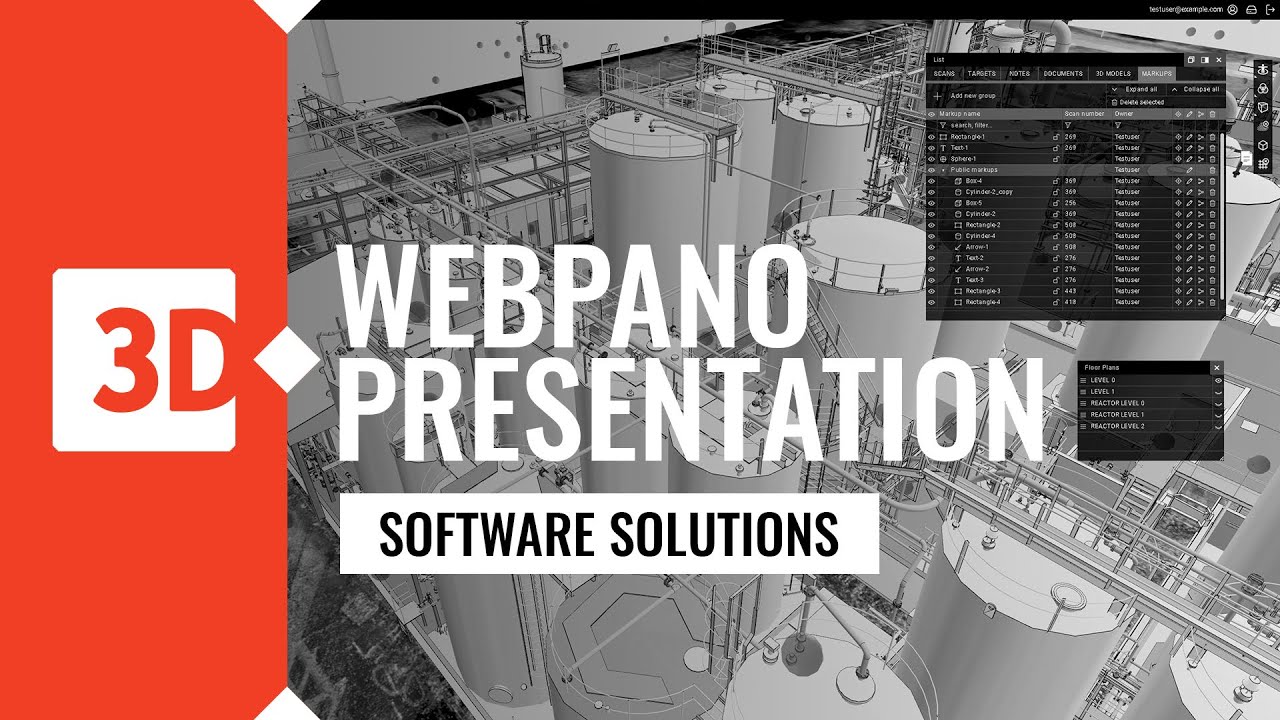
Markups are 2D and 3D annotations (shapes, arrows, text, solids) used to mark information and support communication between users.
What is the difference between 2D and 3D markups?
2D markups are flat shapes created in the panoramic view and in viewpoints. They are visible only in the specific scan view or viewpoint in which they were created. In contrast, 3D markups are solid objects that can be created in any spatial view and remain visible within the 3D environment.
What are Viewpoints and when should they be used?
A viewpoint is a saved camera position that allows a quick return to a specific location and working context. 2D markups can also be created within a viewpoint.
POI: Notes, Documents & Signs
What is POI in WebPano?
POI (Points of Interest) is a set of tools for sharing information, including notes, documents, and signs attached to specific elements within the scene.
How do notes and documents work in WebPano?
Notes and documents can be attached to specific locations or model elements, described using tags, and shared with other users.
What are tags used for and how do they help?
Tags enable quick searching, filtering, and organizing of information stored in the system.
What are Signs and where are they used?
Signs are predefined or custom icons (e.g., fire extinguisher, AED, parking) placed in the scene for informational or safety purposes.
Can I add a custom sign to the scene?
Yes. A custom sign can be added by importing an .svg file (square format recommended). After adding the sign, its height in the scene can also be adjusted.
3D Models & Attributes
How can 3D models be viewed and analyzed in WebPano?
3D models can be explored through a model tree available in the LIST panel, which allows elements to be isolated, hidden, and their attributes reviewed.
Can 3D model attributes be edited?
Yes. Attributes marked with a colon can be edited in the attributes window that appears after clicking a selected model element. They can also be imported or exported in CSV format.
Clips
What are Clips and what are they used for?
Clips are defined portions of a 3D model, point cloud, or mesh that allow users to focus on a selected area of the scene.
Are clips saved between sessions?
Yes. Active clips are saved and automatically restored when re-entering the location.
P&ID
What is P&ID integration in WebPano?
P&ID integration enables the display of Piping and Instrumentation Diagrams (P&ID) in PDF format and their linkage to 3D model elements within a given location. This allows simultaneous analysis of technical documentation and the spatial positioning of installations.
How does linking a P&ID diagram to a 3D model work?
Connections between the P&ID diagram and the 3D model can be created automatically during the diagram upload process. These automatically generated links are indicated by markers highlighted in yellow.
Users can also create additional connections manually using the ADD LINK option. After selecting a point on the P&ID diagram, it can be assigned to a specific element of the 3D model. The process is simple and intuitive, allowing quick navigation between the diagram and the corresponding location in the 3D view.
How is P&ID integration used in practice?
P&ID integration is used for verifying documentation compliance with the actual site conditions, locating installation components, analyzing clashes, and improving communication between design and operational teams.
Where are P&ID connections displayed?
Created connections are visible both on the diagram and in the 3D view. They are also available in a table that allows filtering, sorting, and quick navigation.
Is P&ID integration available to all users?
P&ID integration is available only to customers with a WebPano subscription that includes the P&ID module.